 Car Cinema
How to watch YouTube on CarPlay
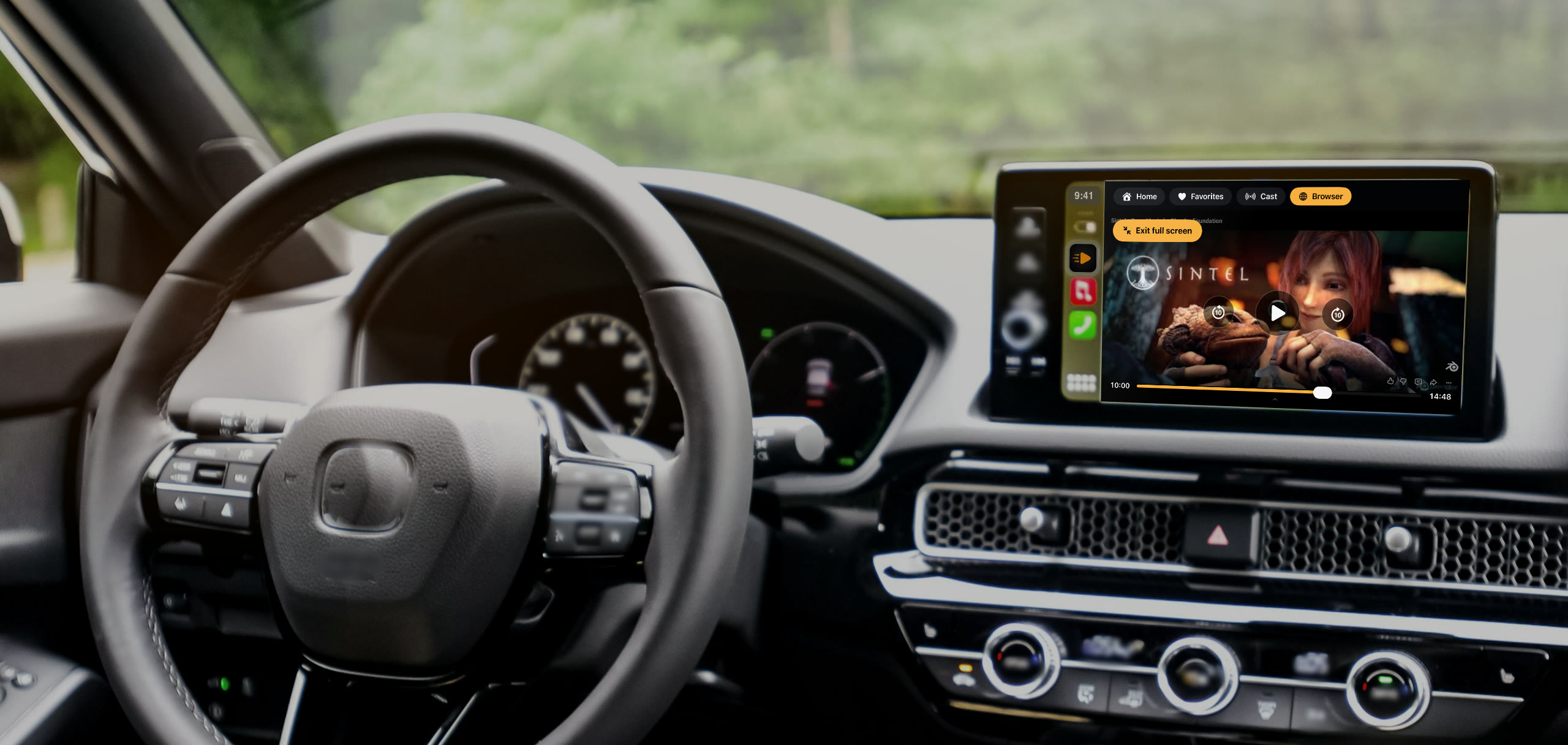
To watch YouTube on CarPlay, install Car Cinema on your iPhone, connect CarPlay and open YouTube in Car Cinema on the car’s screen. You get YouTube itself — its site and its player, full screen with big buttons, signed in to your own account. Park, press play, and the video is on the car’s display: in every car with CarPlay on iOS 26.4 and later, iOS 27.2 included.
What you need
- An iPhone with iOS 26.4 or later — iOS 27.2 included. On iOS 18 to 26.3 the car’s screen shows your lists and the sound plays through the car.
- A car or a stereo with Apple CarPlay, with a cable or wireless
- Car Cinema from the App Store — the first 30 minutes are free
How to watch YouTube on CarPlay, step by step
- Install Car Cinema and connect CarPlay. Plug in the cable or let wireless CarPlay connect, then tap Car Cinema on the car’s screen.
- Sign in to YouTube once. Open the Browser in Car Cinema on your iPhone, go to YouTube and sign in with your Google account — YouTube Premium too. The car is signed in as well.
- Open YouTube on the car’s screen. In Car Cinema’s Browser on the car’s screen, open YouTube, search and pick a video from the list.
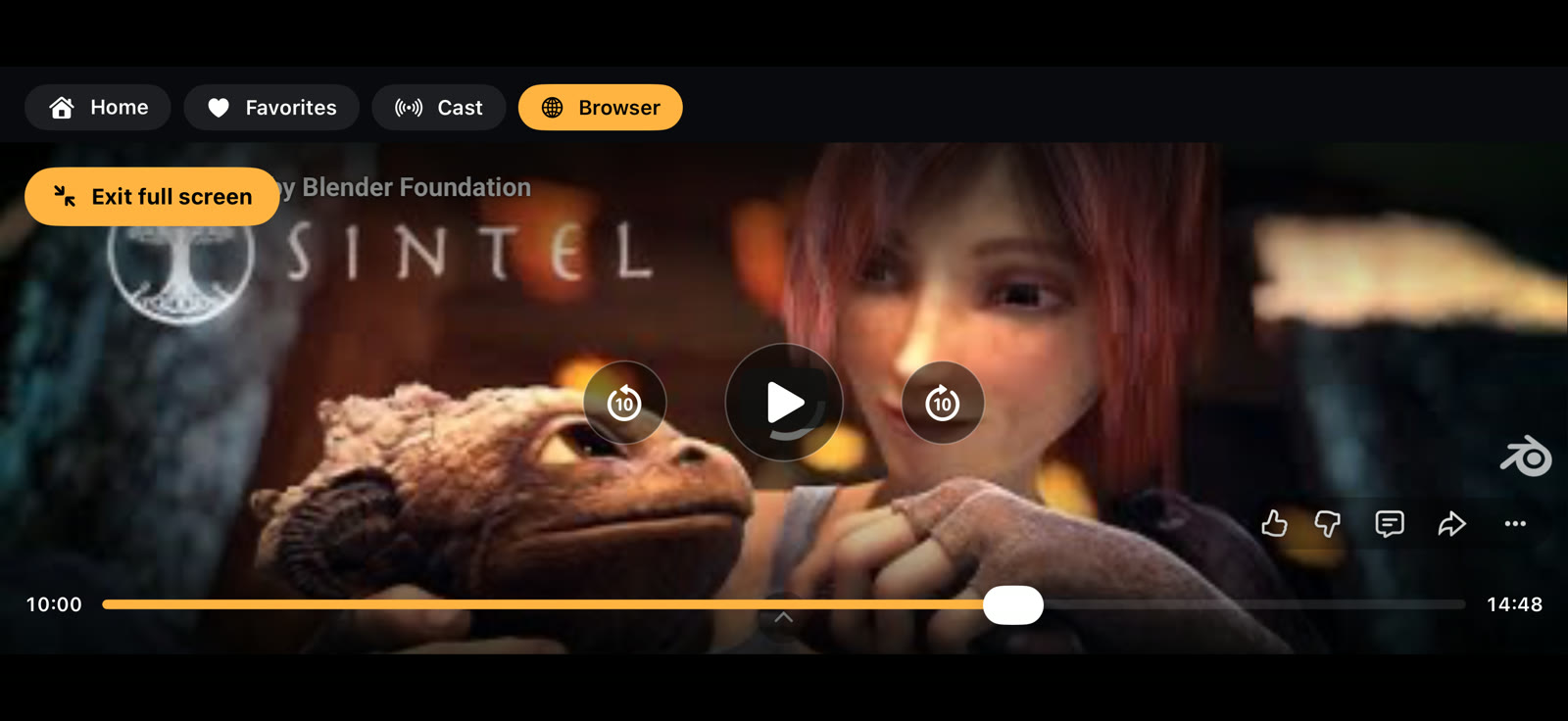
- Park and press play. The video plays full screen with big buttons. If your car doesn’t allow video by itself, Car Cinema asks once per connection — tap I am parked.
YouTube on CarPlay in iOS 27.2
Yes. On iOS 27.2 Car Cinema plays YouTube on the car’s display while you’re parked, in every car with CarPlay — just as on iOS 26.4 to 27.1.
YouTube on the car’s screen from your iPhone
Car Cinema takes YouTube from your iPhone to the CarPlay display: no adapter and nothing to install in the car. The video is on the car’s screen and the sound comes through the car’s speakers.
YouTube in the car while parked or charging
Waiting for someone, on a break on a long drive, or while your electric car charges: park and press play, and YouTube fills the car’s display. Video on the car’s display is for parked cars and passengers.
Your YouTube account and YouTube Premium in the car
Sign in once in Car Cinema’s browser on the iPhone with your Google account, and the car is signed in too: your subscriptions and playlists, and YouTube Premium if you have it.
YouTube on CarPlay without a jailbreak
Car Cinema is an App Store app: no jailbreak, no tweaks and no changes to your car or your iPhone. Install it, connect CarPlay and open YouTube.
Questions
Is Car Cinema free?
You can try it free: every iPhone gets 30 minutes of playback. After that, Car Cinema Pro keeps it playing — monthly, yearly or a one-time purchase.
Can I search YouTube on the car’s screen?
Yes. Search YouTube and pick a video from the list right on the car’s screen.
Does it work in my car?
Car Cinema works wherever CarPlay does, wired or wireless, on any screen. See the compatibility page.
Can I watch YouTube while driving?
No. Video on the car’s display is for parked cars and passengers.