 Car Cinema

How to watch videos on CarPlay: every way that works in 2026
To watch videos on CarPlay, install Car Cinema on your iPhone and connect CarPlay: films, live TV and YouTube play on the car’s display while you’re parked, in every car with CarPlay on iOS 26.4 and later — iOS 27.2 included. Apple’s own CarPlay video (AirPlay to the car’s screen and video apps in CarPlay) exists too, but it plays only in cars whose maker has switched it on — and by November 2026 none has. Here is every way that works today, what each one needs, and how to start in a minute.
Checked 11 November 2026. Tested in Apple’s CarPlay Simulator on standard, widescreen, HD and portrait car displays.
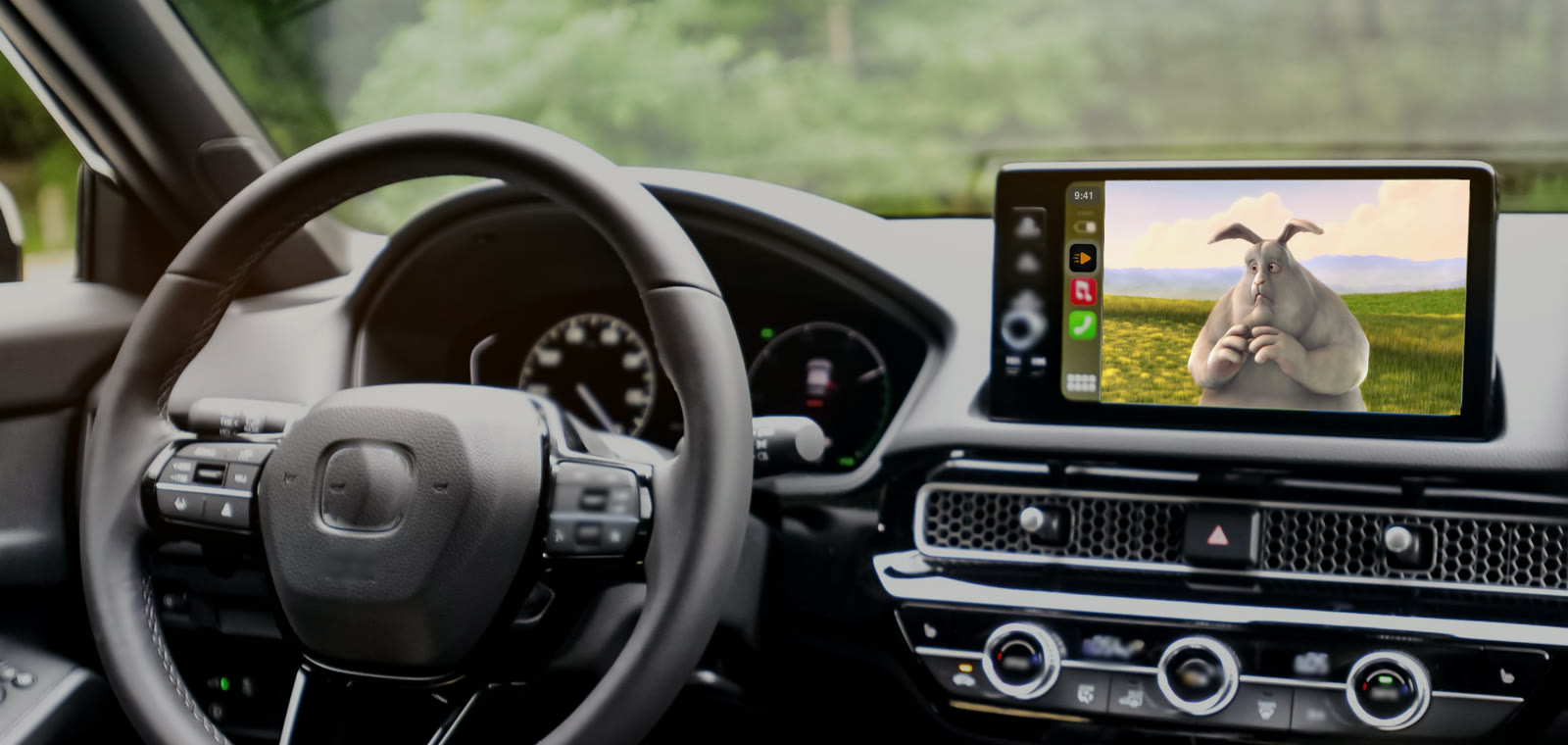
Every way to watch video on CarPlay
| Way | What you need | Which cars |
|---|---|---|
| Car Cinema app | An iPhone with iOS 26.4 or later | Every car with CarPlay, wired or wireless |
| AirPlay to the car’s screen (Apple) | iOS 26.4 or later and an app with AirPlay | Cars with CarPlay video — the car maker has to switch it on |
| Video apps in CarPlay (Apple) | iOS 27 and an app made for it | Cars with CarPlay video |
| Screen adapter or Android box | A device to buy and plug in | Depends on the device — adapter or app? |
Every way plays video only while the car is parked.
How to watch videos on CarPlay, step by step
- Install Car Cinema on your iPhone. It’s on the App Store, and the first 30 minutes of playback are free.
- Add something to watch. A link to a film, your IPTV playlist (M3U or Xtream), your Jellyfin or Emby server — or open YouTube in Car Cinema’s browser.
- Connect CarPlay and open Car Cinema on the car’s screen. With a cable or wireless: your lists, channels and favourites are there.
- Park and press play. Tap I am parked when Car Cinema asks, and the video fills the car’s display. The sound comes through the car’s speakers.
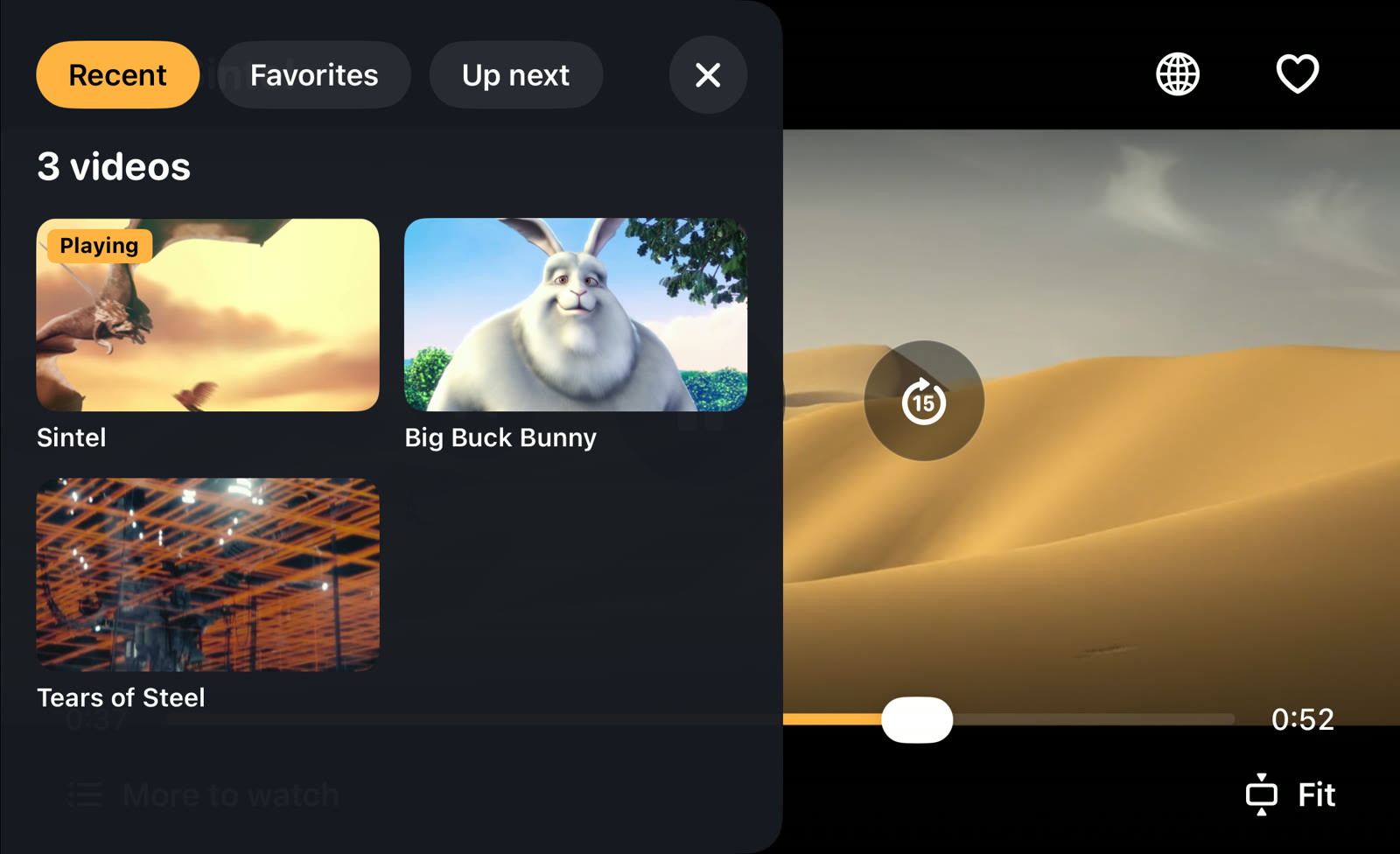
Video on CarPlay in iOS 27 and iOS 27.2
Yes. On iOS 27 and iOS 27.2, Car Cinema plays films, live TV and YouTube on the car’s display while you’re parked, in every car with CarPlay — the same as on iOS 26.4 to 27.1. In cars with CarPlay video, iOS 27 also lets a film play through CarPlay’s own player. On iOS 18 to 26.3 the car shows your lists and plays the sound, and the picture stays on the iPhone or your TV.
Which cars can play video on CarPlay
Apple’s own CarPlay video needs a car whose maker has added it, and Apple doesn’t publish a list. Car Cinema doesn’t wait for that: its own car screen works in every car with CarPlay. The full picture, brand by brand: which cars support CarPlay video.
What you can watch on CarPlay
Your own films and series from a link or a media server (Jellyfin and Emby), live TV from your IPTV playlist, free broadcasters’ streams, and YouTube with your own account. Films with DRM — Netflix, Disney+ and other protected services — don’t play in Car Cinema.
Video on CarPlay without a jailbreak or an adapter
Car Cinema is an App Store app: no jailbreak, no tweaks, no adapter and nothing to change in the car. When an adapter still helps: adapter or app.
Video on CarPlay while driving
No. Video on the car’s display is for a parked car, and in most countries the driver mustn’t have a video in view on the move. Driving, you keep the sound, your lists and the steering-wheel buttons. More: video on CarPlay while driving.
Questions
Is Car Cinema free?
Every iPhone gets 30 minutes of playback free. Car Cinema Pro then keeps it playing — monthly, yearly or a one-time purchase.
Does it work with wireless CarPlay?
Yes, wired and wireless CarPlay work the same way, on any screen shape, touch screen or knob.
Does the sound play through the car?
Yes — through the car’s speakers, on the road too.
Can I control it from the steering wheel?
Yes: next or previous channel, episode or favourite, and pause, from the steering-wheel buttons or the car’s screen.
How do I check my own car?
Connect CarPlay, open Car Cinema on the iPhone and go to Settings → What plays where. It shows what plays on the iPhone, on your TV and in your car.