 Car Cinema

Can you watch videos on CarPlay while driving?
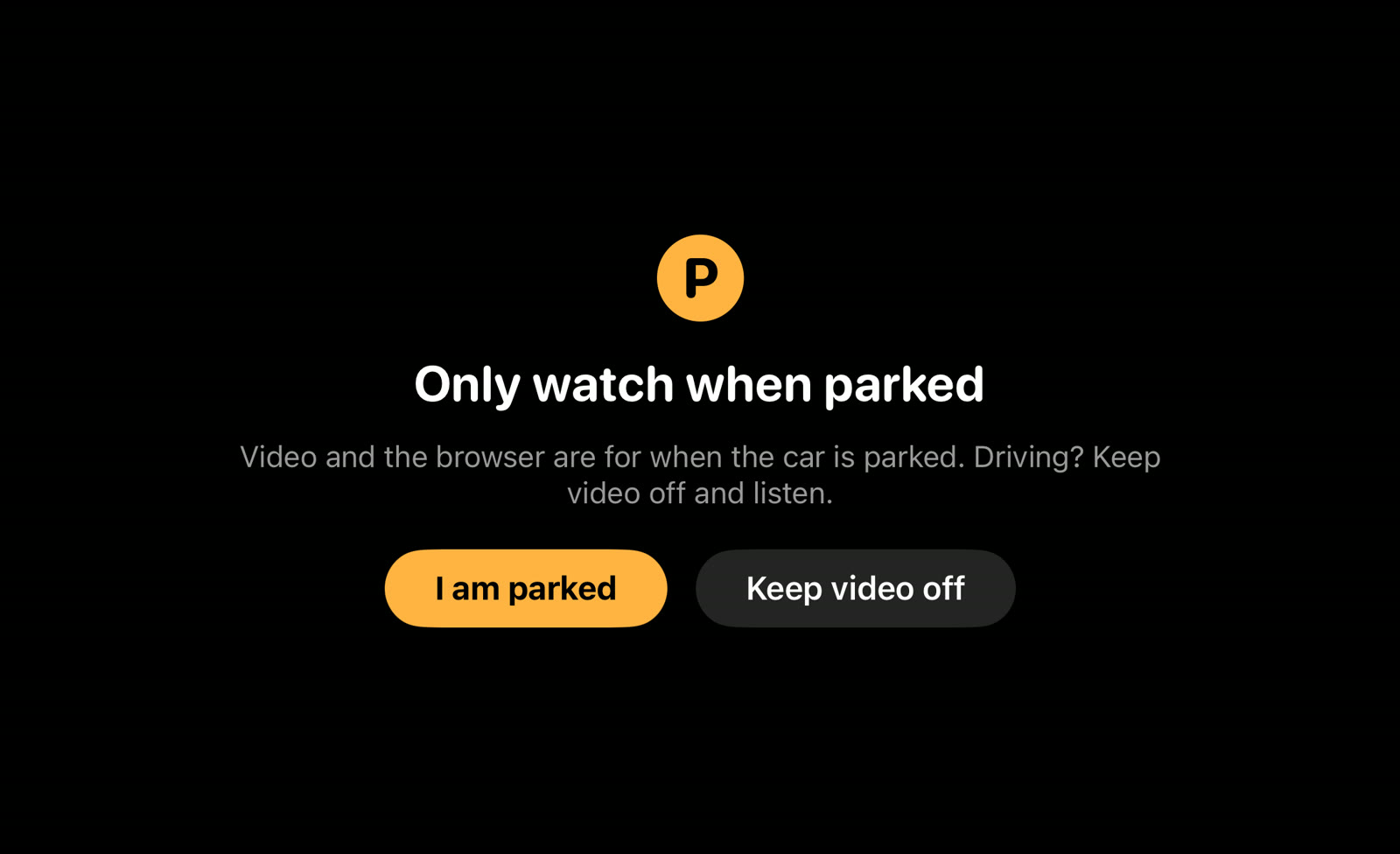
No — you can’t watch videos on CarPlay while driving, and in most countries it’s against the law for the driver to have a video in view. CarPlay video is made for a parked car: the car itself stops the picture when you drive off, and Car Cinema shows a film on the car’s display only after you tap I am parked. On the move you keep the sound, your lists and the steering-wheel buttons.
Checked 11 November 2026 against the laws cited below and Apple’s CarPlay pages.
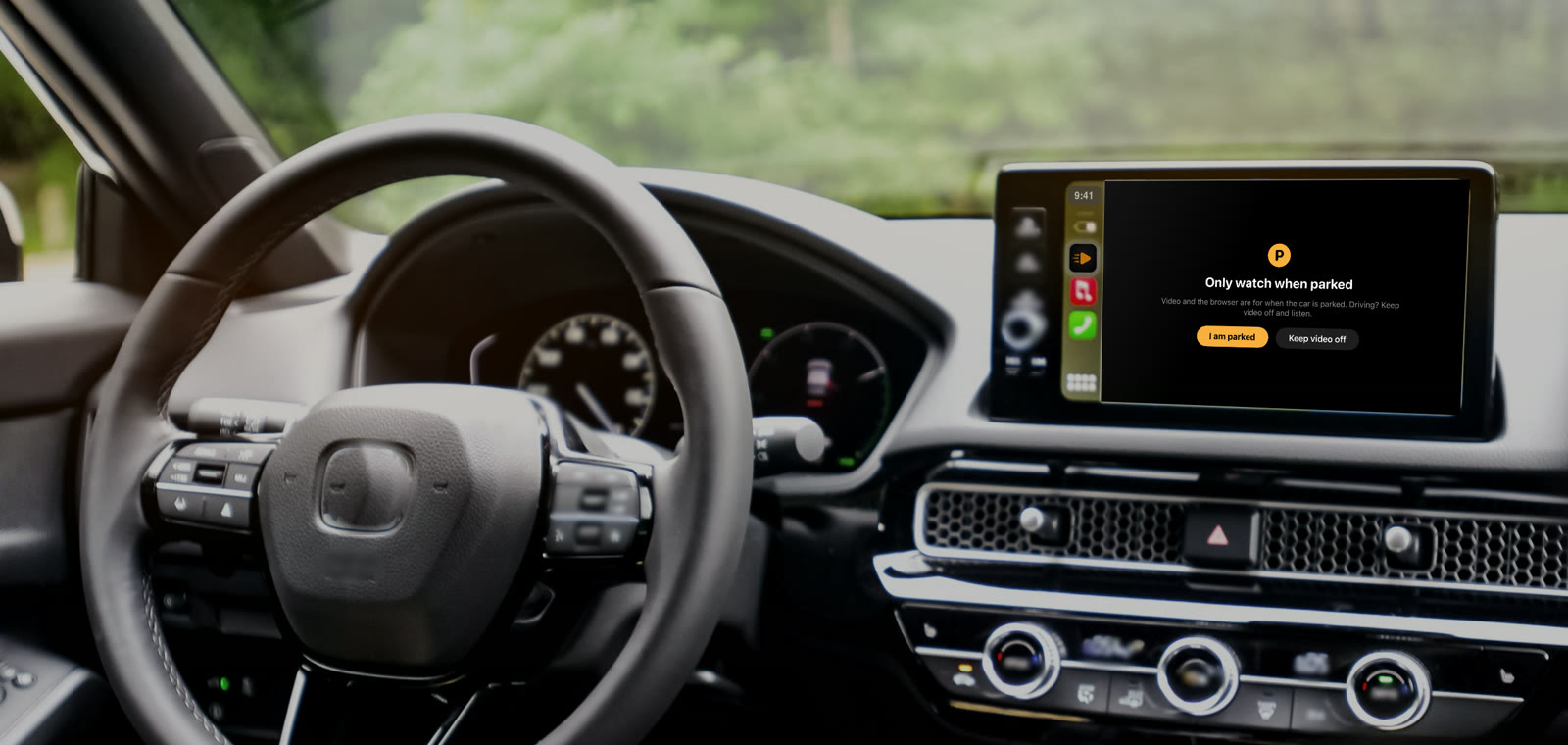
What happens to a video on CarPlay when you drive off
Cars with CarPlay video tell the iPhone when a picture is allowed — in Park — and switch the film to sound as soon as you drive. On Car Cinema’s own car screen the picture shows only after you confirm with I am parked; stop the film before you set off, and the sound plays on through the car’s speakers.
| Parked | Driving | |
|---|---|---|
| Films, live TV and YouTube on the car’s display | Yes | No |
| Sound through the car’s speakers | Yes | Yes |
| Your lists, channels and favourites on the car’s screen | Yes | Yes |
| Steering-wheel buttons: next channel, episode or favourite | Yes | Yes |
What the law says about video while driving
Many countries ban a moving picture in the driver’s view, apart from maps and the car’s own information. Two examples: in Great Britain, regulation 109 of the Road Vehicles (Construction and Use) Regulations 1986 forbids driving where you can see a screen showing anything but driving information; in California, Vehicle Code section 27602 forbids driving with a video screen on and visible to the driver. Laws differ by country and state — check yours — but the safe rule is the same everywhere: video only while parked.
Can passengers watch while the car is moving?
Not on the CarPlay display: it sits in front of the driver, so the same rules apply to it. Passengers can watch on their own iPhone or iPad. When you stop for a break, the whole car can watch on the big screen.
What you can use while driving
Live TV, films and music keep playing as sound through the car. Switch channels, episodes or favourites from the car’s screen or with the steering-wheel buttons, and pause with the car’s controls — all without looking at a picture.
Where video in the car makes sense
Waiting to pick someone up, on a break on a long drive, while an electric car charges, in a camper or at a drive-in: park, press play, and films, live TV and YouTube fill the car’s display.
Questions
Is there a way around the parked check?
Car Cinema doesn’t offer one and won’t. Devices that promise video while driving put the driver in breach of the law in many countries.
Does CarPlay video work with the engine off?
That depends on the car: many cars keep CarPlay running with the ignition in accessory mode, and electric cars usually keep it on while charging.
Which cars play video in CarPlay?
See which cars support CarPlay video. Car Cinema puts video on the display of every car with CarPlay, on iOS 26.4 and later.
How do I start?
Follow how to watch videos on CarPlay: install Car Cinema, connect CarPlay, park and press play.