 Car Cinema

CarPlay video adapter or an app: what you need to watch video in the car
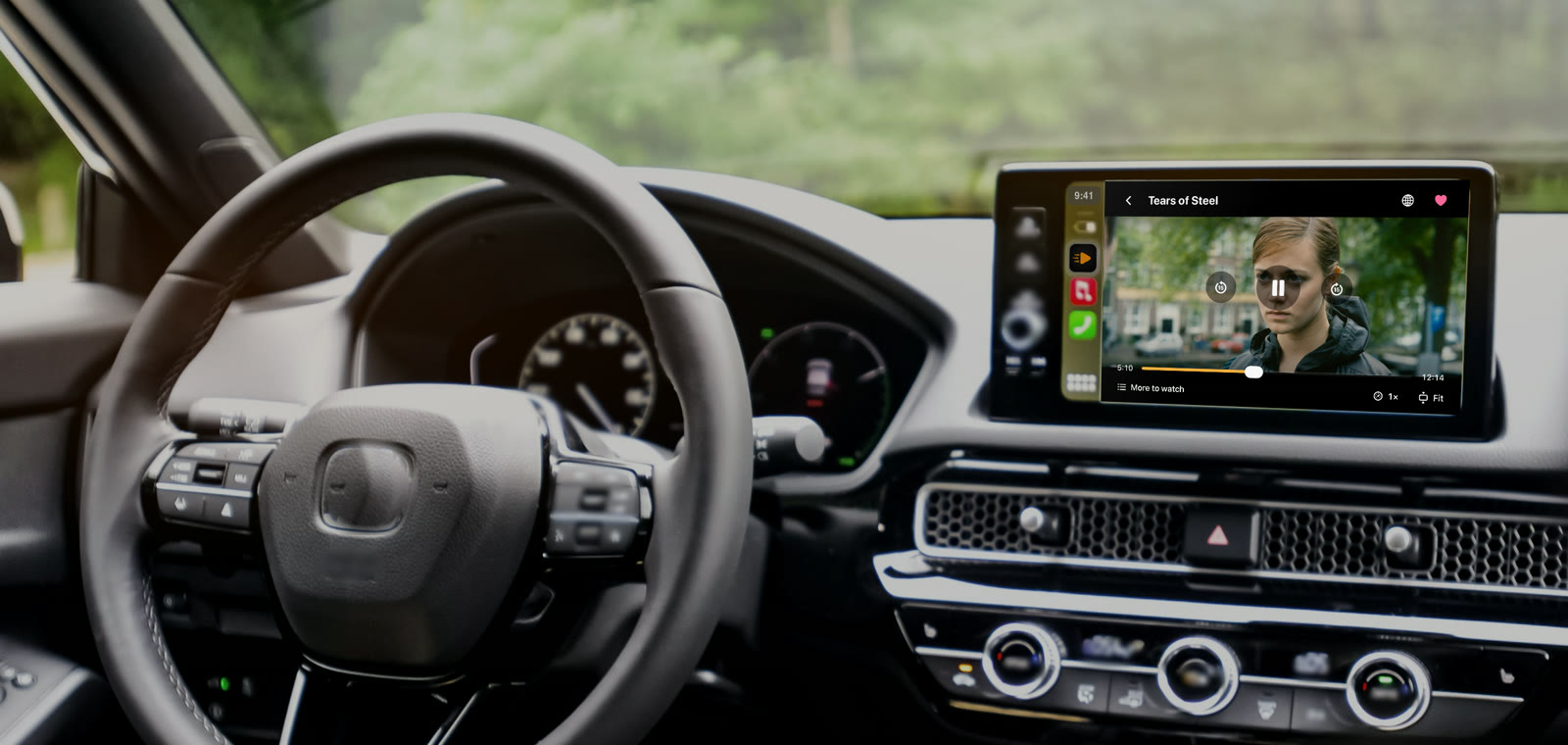
You don’t need an adapter to watch videos on CarPlay: on iOS 26.4 and later, the Car Cinema app puts films, live TV and YouTube on the display of every car with CarPlay while you’re parked. An adapter is one more device to buy and set up; it makes sense when your iPhone can’t update to iOS 26.4, or when you want the iPhone’s whole screen in the car. Here is how the three ways compare.
Checked 11 November 2026. Tested in Apple’s CarPlay Simulator on standard, widescreen, HD and portrait car displays.
App, mirroring adapter or Android box
| Car Cinema app | Screen-mirroring adapter | Android “AI box” | |
|---|---|---|---|
| What it is | An iPhone app for CarPlay | A device that shows the iPhone’s screen on the car’s display | A small Android computer that takes over the car’s CarPlay screen |
| Hardware to buy | None | Yes | Yes |
| Your iPhone | Stays in CarPlay: the car’s buttons, Siri and calls work as usual | Its screen is mirrored | Not used for video: the box runs its own apps and needs its own internet |
| What plays | Films, live TV and IPTV, Jellyfin and Emby, YouTube in the browser | What the iPhone shows | Android apps |
| iPhone needed | iOS 26.4 or later for video on the car’s display | Depends on the adapter | None |
When an app is enough
If your iPhone runs iOS 26.4 or later, an app is enough. Car Cinema opens its own screen on the car’s display in every car with CarPlay, wired or wireless, and plays films, live TV, your Jellyfin or Emby server and YouTube there while you’re parked. In cars with CarPlay video it can also use CarPlay’s own player, from iOS 27. Nothing to buy, plug in or update in the car.
When an adapter helps
On iOS 18 to 26.3 the car’s screen shows Car Cinema’s lists and the sound plays through the car, but the picture stays on the iPhone. A screen-mirroring adapter, or a USB-C to HDMI cable to a screen with an HDMI input, puts that picture in front of you: Car Cinema plays MP4, MOV and HLS full screen through it and the iPhone becomes the remote. Watch only while parked.
What an Android “AI box” is
An “AI box” plugs into the car’s CarPlay port and replaces the CarPlay screen with Android. It runs its own apps, so you sign in to everything again and give it internet through a SIM card or your phone’s hotspot. Some boxes let video play while the car moves — in many countries that’s against the law for the driver.
Wireless CarPlay adapters
A wireless CarPlay adapter turns wired CarPlay into wireless and nothing more. Car Cinema works through it like any CarPlay connection, picture on the car’s display included.
Questions
Can I watch videos on CarPlay without a jailbreak?
Yes. Car Cinema is an App Store app: no jailbreak, no adapter, no changes to the car.
Which cars does it work in?
Every car with CarPlay — see which cars support CarPlay video and the compatibility page.
Is Car Cinema free?
Every iPhone gets 30 minutes of playback free. Car Cinema Pro then keeps it playing — monthly, yearly or a one-time purchase.
How do I start?
See how to watch videos on CarPlay, step by step.